Design Your Own Logbook — No Code Required
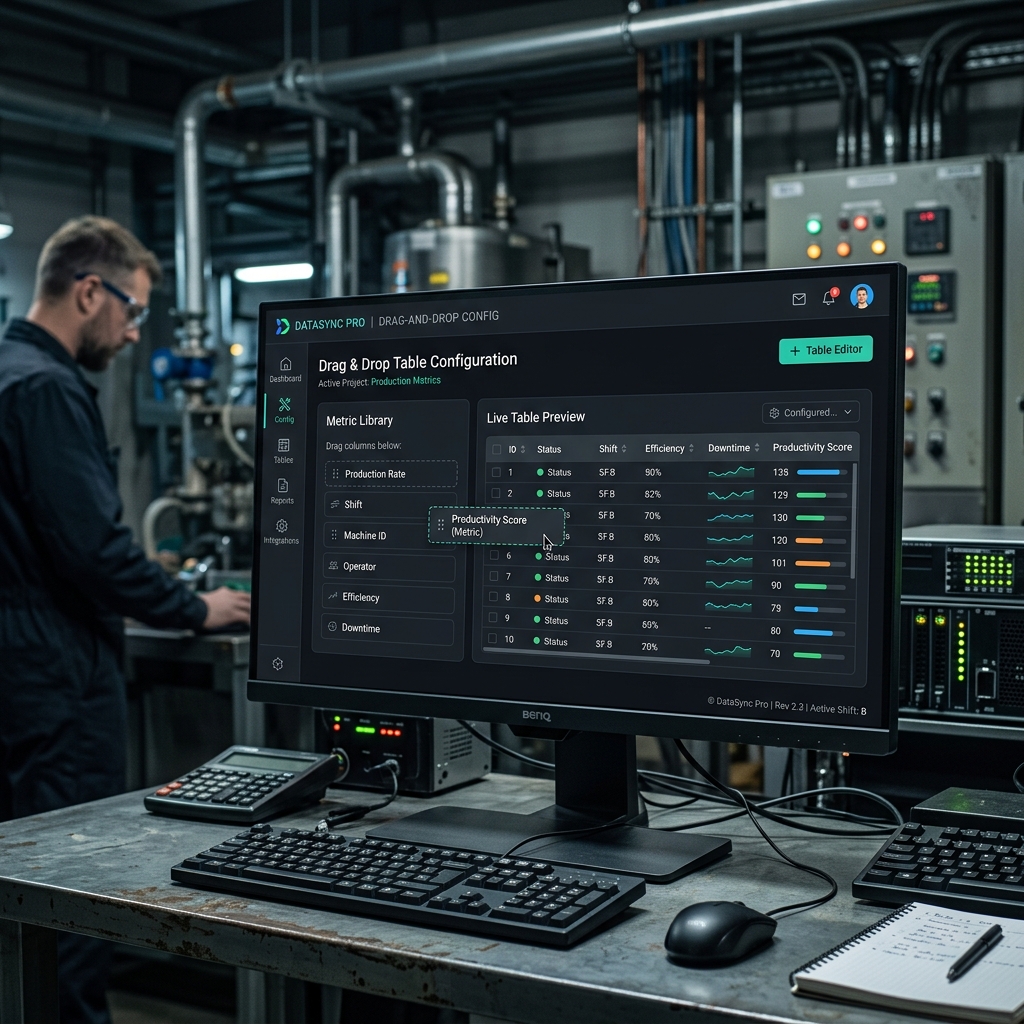
Every plant is different. Use our drag-and-drop engine to build logbook tables that perfectly map to your unique operational processes.
Why You Need Table Configuration
The Challenge
- ❌Off-the-shelf software doesn't fit custom plant workflows
- ❌Requiring IT support just to add a new column to a form
- ❌Changing a form breaks all historical data associated with it
- ❌No way to enforce minimum or maximum safe values on inputs
The eLogBook Solution
- ✅Highly flexible drag-and-drop builder empowers operations managers
- ✅Zero IT involvement required to modify or create new tables
- ✅Versioned configurations keep historical data completely intact
- ✅Built-in threshold alerts enforce safe operating limits instantly
How It Works
Create Table
Select table category (Input, Event, Equipment, Follow-up, or Bypass).
Define Columns
Add columns, choose types, and set validation rules.
Configure Logic
Set up carry-over modes, formulas, and threshold breach alerts.
Publish
Publish the new version. It becomes instantly available to operators.
Key Capabilities
Dive into the technical details that make this module powerful enough for complex industrial environments.
11 Column Types
Text, number, dropdown, radio, date, time, boolean, calculated, textarea, attachment, and URL.
Safe Versioning
Editing a published table creates a new version, preserving all past data structures.
Threshold Alerts
Define min/max ranges. Breaches can trigger UI warnings or email alerts.
Dashboard Integration
Tag specific columns to automatically surface in the SIC Overview dashboard.
Frequently Asked Questions
Common questions about the Table Configuration module.
Do I need IT support to create a logbook table?
What types of data can I capture?
Can I set limits on numeric inputs?
What happens if we need to update a table's design later?
Can table data be sent to a central dashboard?
Explore Related Modules
Shift Logbook
Replace rigid paper logs with dynamic, configurable tables that adapt to your exact operational needs while ensuring complete data integrity.
SIC Overview Dashboard
The Short Interval Control (SIC) dashboard gives plant managers a bird's-eye view of critical events, bypasses, and equipment statuses across the entire facility.
Book a Demo to See
Table Configuration in Action
Discover how eLogBook integrates seamlessly into your plant's daily operations.
Request a Free Demo