eLogBook Features — Everything You Need to Digitize Industrial Shift Operations
Every feature is purpose-built for industrial environments — from power plants to manufacturing floors. No generic tools, no compromises.
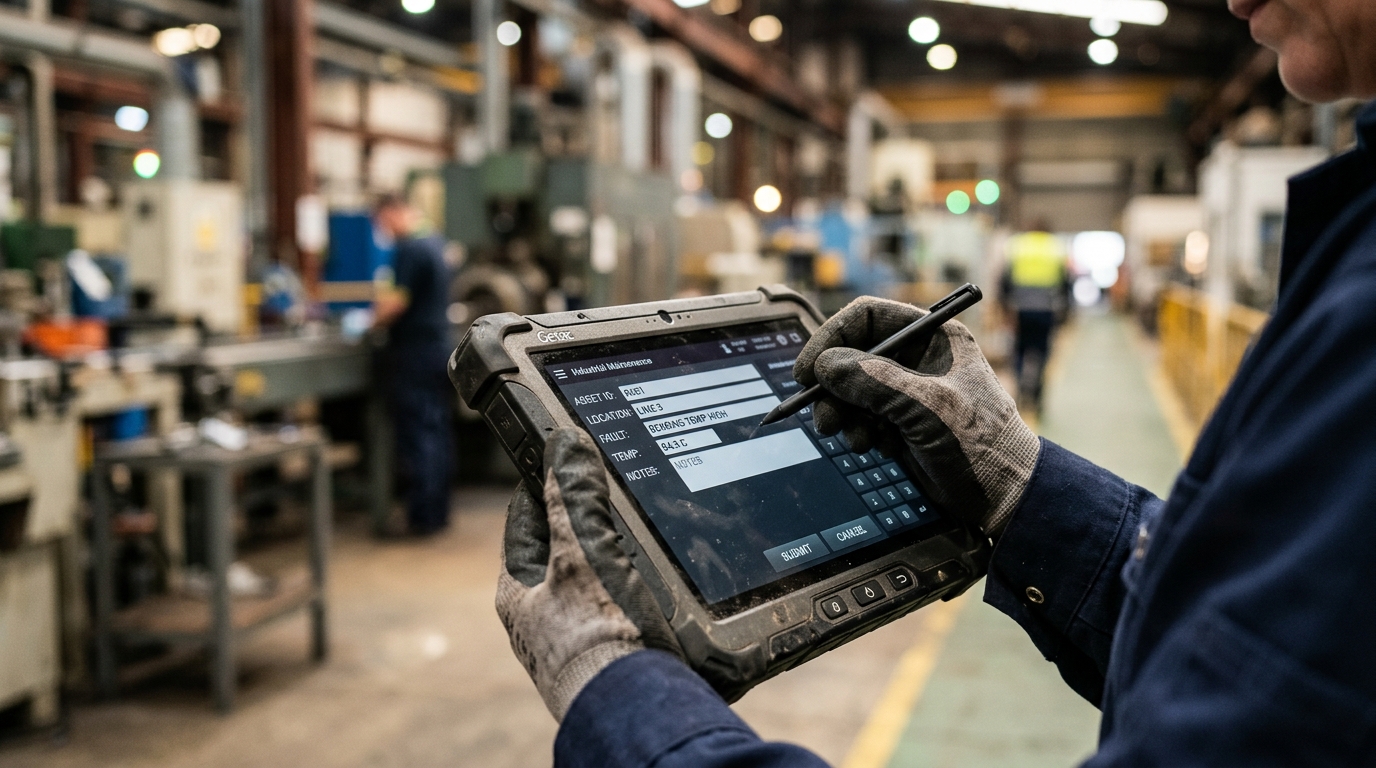
Capture Every Data Point —
Accurately, Every Shift
From boiler pressure readings to event logs, eLogBook captures all operational data in structured, configurable tables.
Dynamic Table Builder
11 column types, formulas, multi-column headers — build any table your plant needs.
Fixed & Repeatable Rows
Fixed rows for structured readings, repeatable rows for event logs and incidents.
Carry-Over Logic
7 intelligent carry-over modes ensure data continuity between shifts automatically.
QR Code Machine Scanning
Operators scan equipment QR codes to instantly open the linked logbook table.
File Attachments
Attach images, documents, and files directly to specific table rows or events.
Calculated Formula Columns
Define complex formulas (e.g., efficiency, deltas) that calculate in real-time on entry.
eLogBook Shift Handover —
Seamless Transitions, Zero Loss
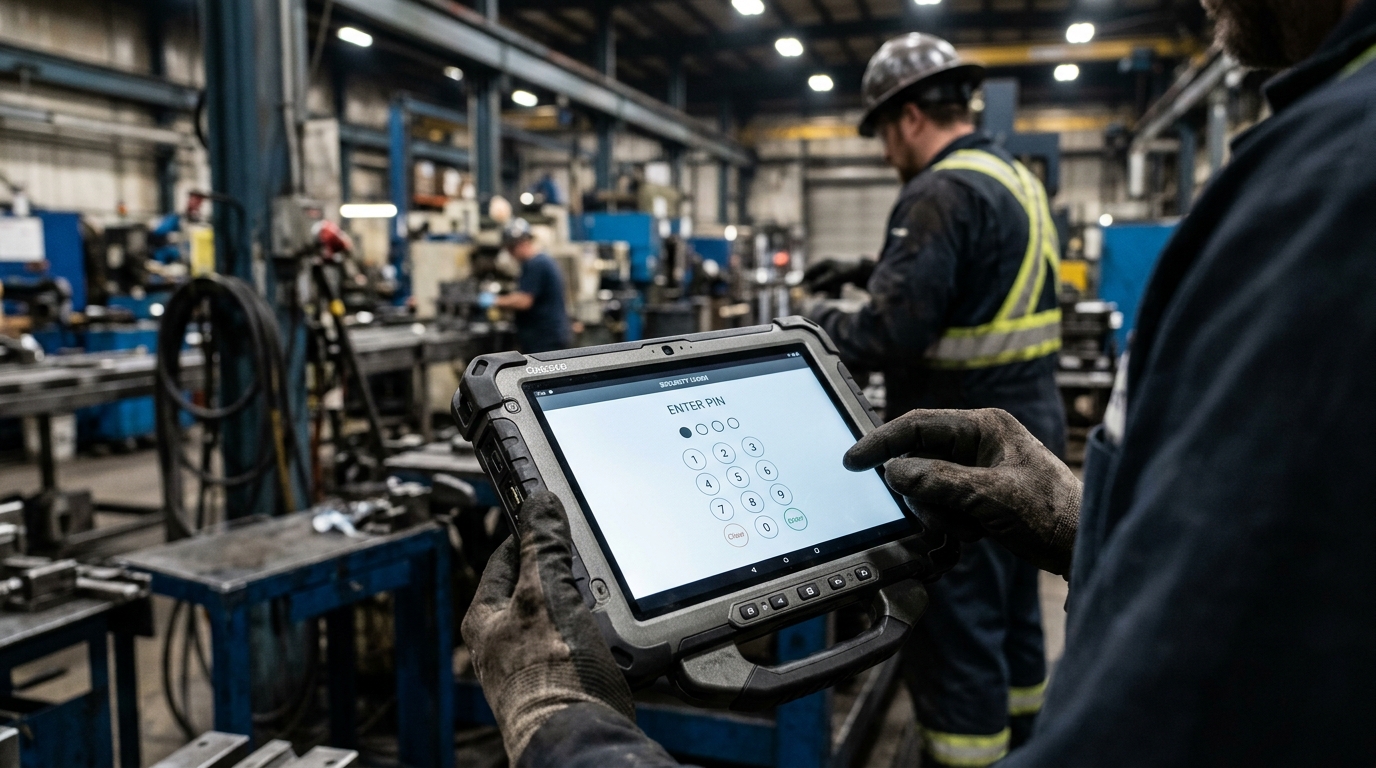
Every shift handover is structured, signed off with a PIN, and fully auditable. No more "he said, she said."
Digital Shift Handover
Submit, acknowledge, or reject handovers with timestamped notes and full history.
PIN-Based Security Sign-Off
Configurable PIN policies per department for secure, verified handover sign-offs.
Auto-Submit at Shift End
Logs are automatically finalized when the shift period ends via a cron schedule.
Multi-User Collaboration
WebSocket-powered live cell updates so multiple operators can log simultaneously.
Configurable Shift Schedules
Set different shift durations (e.g. 8h, 12h) per department with customizable start times.

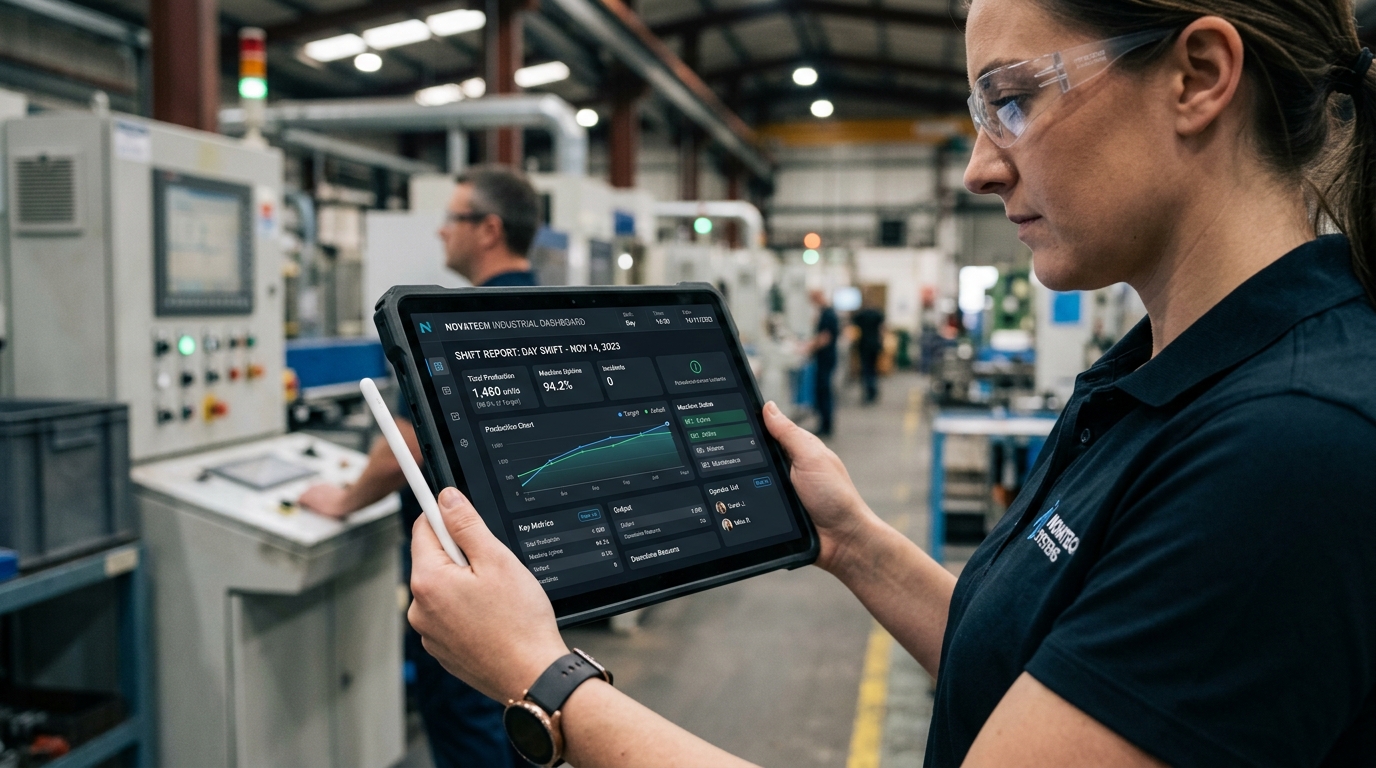
eLogBook Analytics —
Insights That Drive Decisions
From automated PDF reports to interactive trend charts, get the insights you need without any manual work.
Automated PDF Reports
Professional shift reports generated automatically via Puppeteer and emailed to stakeholders.
Scheduled Email Dispatch
Role-based recipients with configurable To, CC, BCC and grace period control.
Trend Analytics
Track any numeric column over time with interactive charts and threshold reference lines.
KPI Dashboard
Submission rates, pending handovers, and event counts visible at a single glance.
Enterprise-Grade Control
with eLogBook
Built for organizations that can't afford security incidents. Multi-tenant isolation, role-based access, and hardened APIs.
Multi-Tenant Hierarchy
Organization → Plant → Department → User. Complete data isolation at every level.
Role-Based Access Control
6 granular roles from Super Admin to Operator, each with scoped permissions.
Threshold Alerts
Column-level min/max thresholds with warning percentages and breach notifications.
Security Hardened
Rate limiting, Helmet headers, NoSQL injection protection, JWT auth, and CORS.
In-App Notifications
System broadcasts for shift auto-submits, threshold breaches, and key events.
White-Label Support
Add your organization's logo and custom branding to the eLogBook interface.
Built for Scale —
eLogBook Platform Features
A robust foundation designed to handle multiple departments, time zones, and complex operational logic.
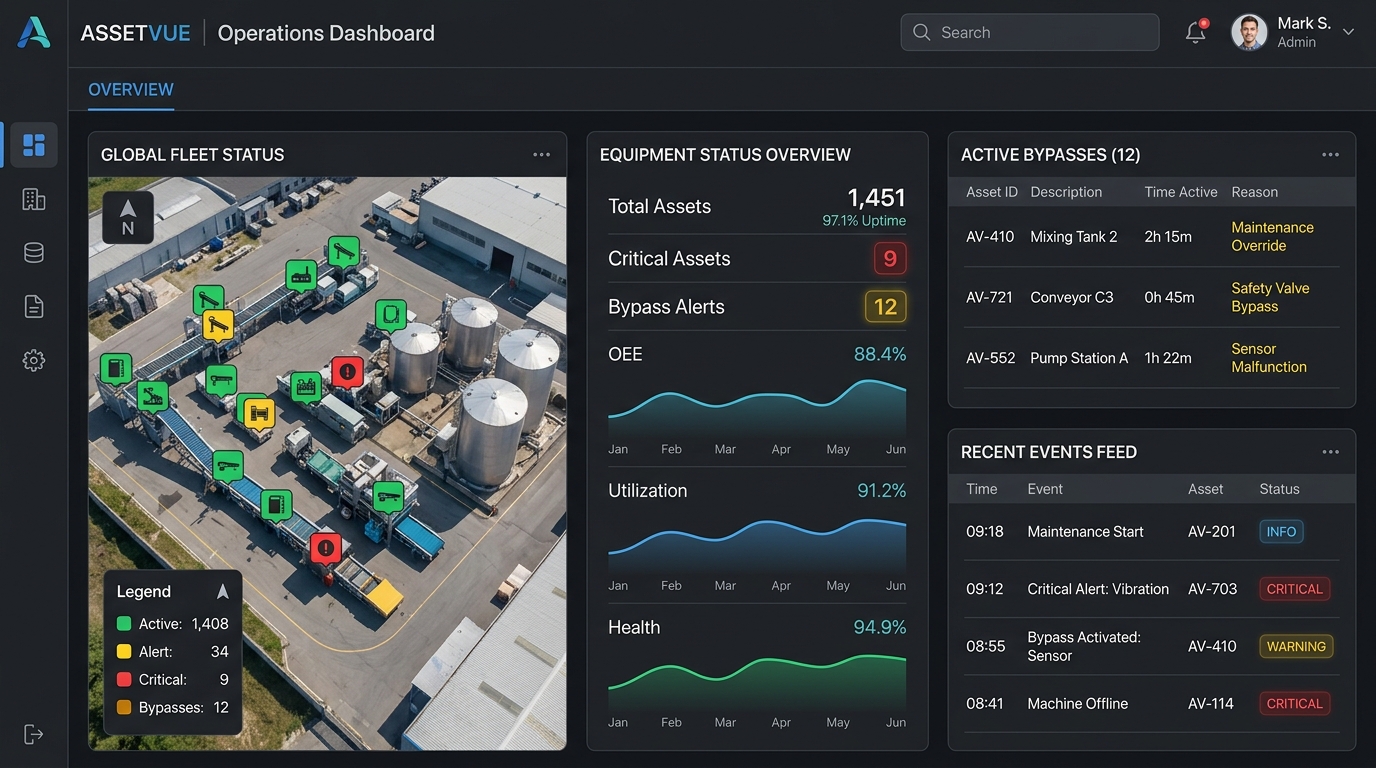
Dashboard Status Badges
Configurable color-coded statuses for instant visual comprehension on dashboards.
SIC Overview Dashboard
Cross-shift visibility of plant health with dynamic time windows (up to 30 days).
Configurable Mail Routing
Advanced email rule engine for automated dispatch based on events or schedules.
Table Versioning
Publish new iterations of your logbook tables without breaking or modifying historical data.
Frequently Asked Questions
Everything you need to know about digitizing your plant with eLogBook.
How difficult is it to transition from paper logbooks?
Is eLogBook secure enough for critical plant operations?
Can eLogBook alert us if a machine parameter is out of range?
Do we need to buy specialized hardware to use eLogBook?
How does the automated reporting work?
Ready to See It in Action?
Every feature listed above is available today. Book a demo to see how eLogBook can transform your plant's shift operations.
Book a Demo