Log Data Right at the Machine
Eliminate the friction of returning to the control room. Empower operators to log data directly at the equipment using their mobile devices.
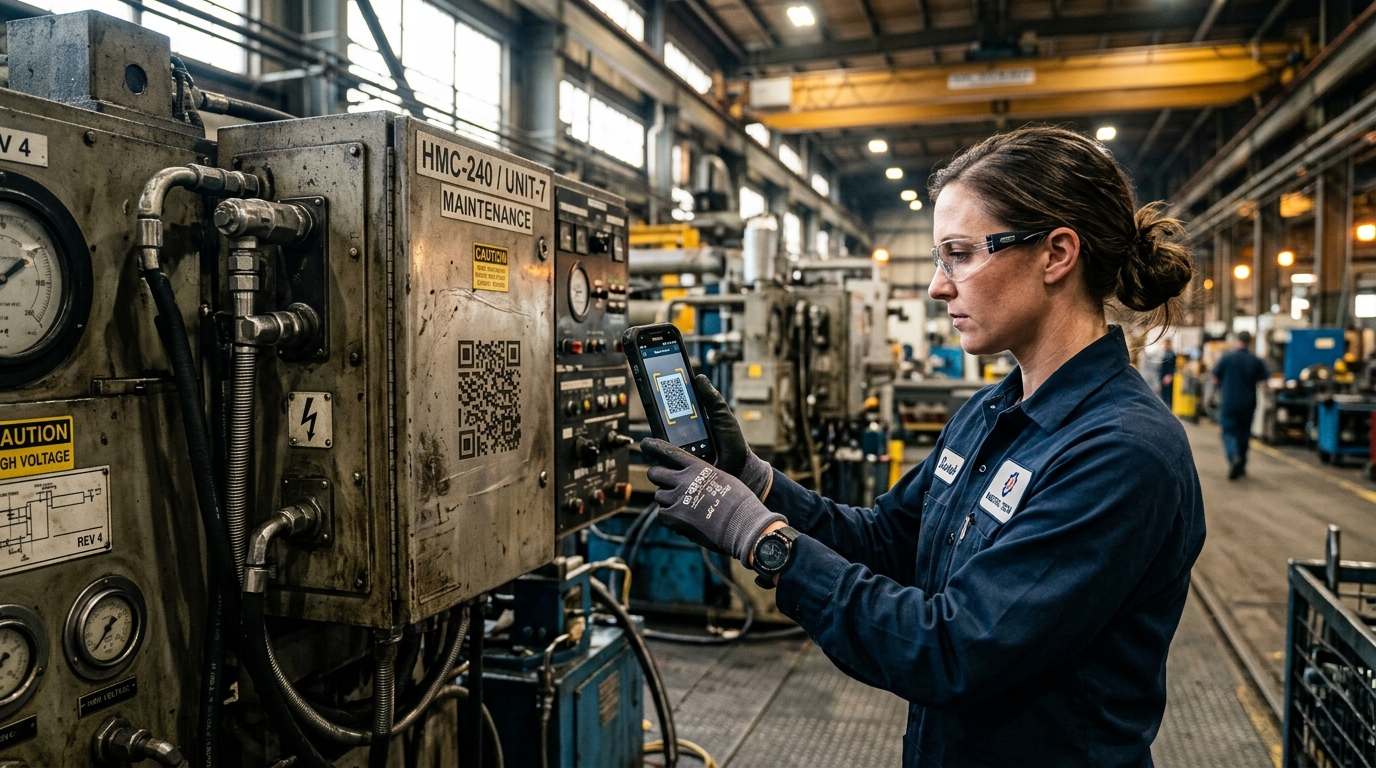
Why You Need QR Scanning
The Challenge
- ❌Operators write data on scrap paper and enter it later
- ❌Transcription errors occur when copying from paper to PC
- ❌Difficult to prove an operator actually visited the machine
- ❌Finding the right logbook table for a specific machine is confusing
The eLogBook Solution
- ✅Direct mobile entry eliminates the scrap paper middle-step
- ✅Real-time validation at the source prevents transcription errors
- ✅Scanning the physical QR code verifies presence at the equipment
- ✅Scanning automatically opens the exact table needed for that machine
How It Works
Admin Setup
Admin generates a QR code linked to a specific machine and table configuration.
Physical Tagging
Print and stick the QR code physically on the equipment.
Operator Scans
During rounds, the operator scans the QR code with any mobile device.
Instant Logging
The correct table opens instantly. Shift and date are auto-detected.
Key Capabilities
Dive into the technical details that make this module powerful enough for complex industrial environments.
No App Required
Works directly through the mobile browser using the native camera.
Context Aware
Automatically detects the current active shift so operators don't have to.
Secure Tokens
QR codes use cryptographically secure tokens to prevent URL guessing.
Machine Management
Centralized registry to manage all physical equipment and their linked QR codes.
Frequently Asked Questions
Common questions about the QR Scanning module.
Do operators need to install a special app to scan QR codes?
What happens when a QR code is scanned?
Is QR scanning secure?
How do we manage the QR codes?
Does QR scanning prevent transcription errors?
Explore Related Modules
Shift Logbook
Replace rigid paper logs with dynamic, configurable tables that adapt to your exact operational needs while ensuring complete data integrity.
Table Configuration
Every plant is different. Use our drag-and-drop engine to build logbook tables that perfectly map to your unique operational processes.
Book a Demo to See
QR Scanning in Action
Discover how eLogBook integrates seamlessly into your plant's daily operations.
Request a Free Demo