Reports That Write and Send Themselves
Eliminate manual reporting. eLogbook automatically compiles shift data into professional PDFs and dispatches them to stakeholders.
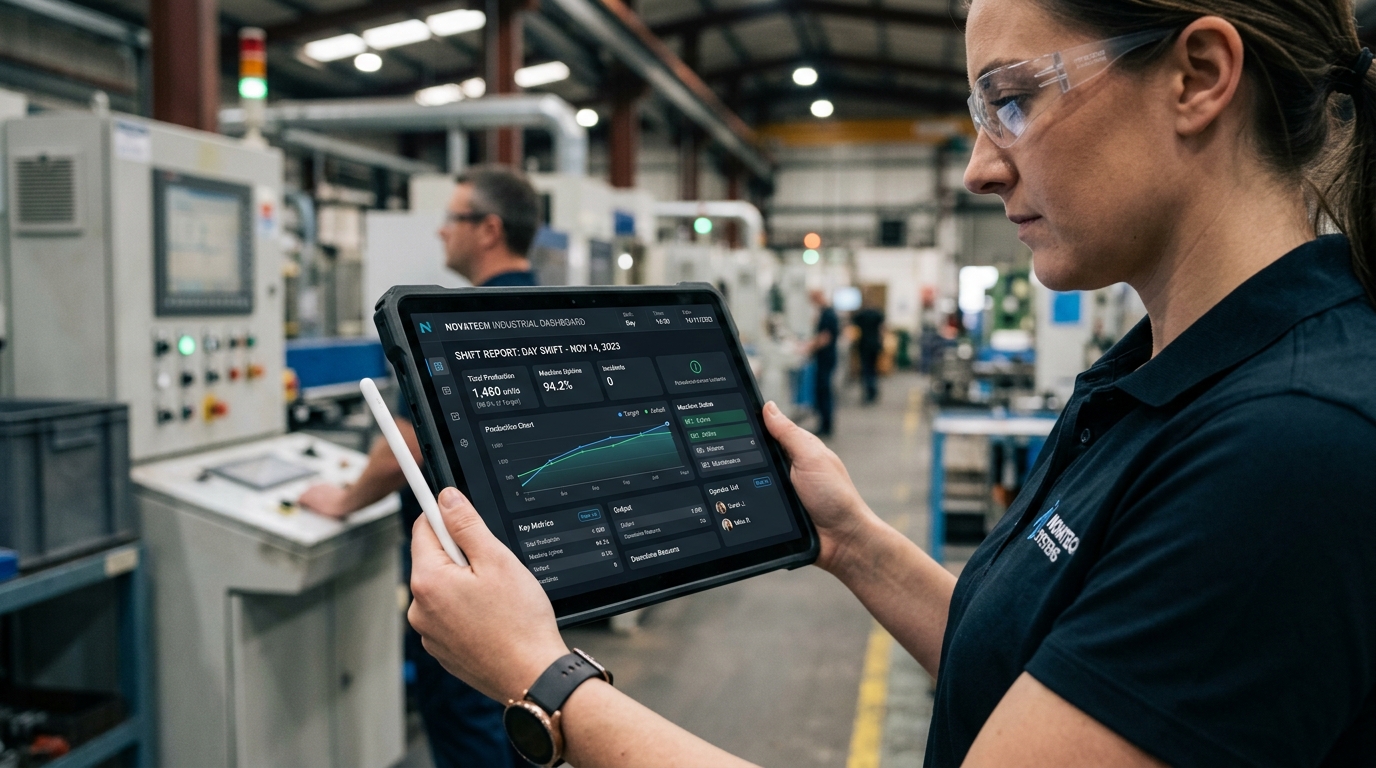
Why You Need Auto Reports
The Challenge
- ❌Shift in-charges spend the last hour of their shift writing reports
- ❌Management receives inconsistently formatted emails
- ❌Operators occasionally forget to send the shift report entirely
- ❌Generating end-of-month summaries is a nightmare
The eLogBook Solution
- ✅System auto-generates perfect PDF reports the moment a shift ends
- ✅Standardized, professional formatting across all departments
- ✅Cron-driven automated dispatch guarantees reports are never missed
- ✅Data is neatly tabulated and ready for management review
How It Works
Shift Ends
The clock hits the official end time of the designated shift.
Grace Period
System waits for a configurable grace period (e.g., 15 mins) for late entries.
PDF Generation
Puppeteer engine renders the shift data into a high-quality PDF document.
Email Dispatch
System emails the report to all configured recipients based on their roles.
Key Capabilities
Dive into the technical details that make this module powerful enough for complex industrial environments.
Automated Scheduling
Powered by robust node-cron jobs running every 5 minutes.
Grace Period Config
Give operators a set buffer time after shift end to finish their logs.
Role-Based Routing
Send specific department reports only to the relevant managers or roles.
Attachment Toggles
Configure whether emails include the PDF attachment or just a summary link.
Frequently Asked Questions
Common questions about the Auto Reports module.
How are reports generated?
Who receives the automated reports?
What if an operator is late submitting their log?
Can reports be scheduled?
Do the emails include the actual PDF?
Explore Related Modules
Analytics & Trends
Turn your shift data into actionable intelligence. Visualize trends, monitor thresholds, and analyze cross-shift performance instantly.
Shift Logbook
Replace rigid paper logs with dynamic, configurable tables that adapt to your exact operational needs while ensuring complete data integrity.
Book a Demo to See
Auto Reports in Action
Discover how eLogBook integrates seamlessly into your plant's daily operations.
Request a Free Demo